Best USB‑C Cables (2026): 240W Charging, USB4 Speeds, and the Ones to Avoid
Most USB‑C cable problems are invisible until you waste an hour troubleshooting. Here’s what to buy for charging, for data, and for docks—without the spec-sheet traps.
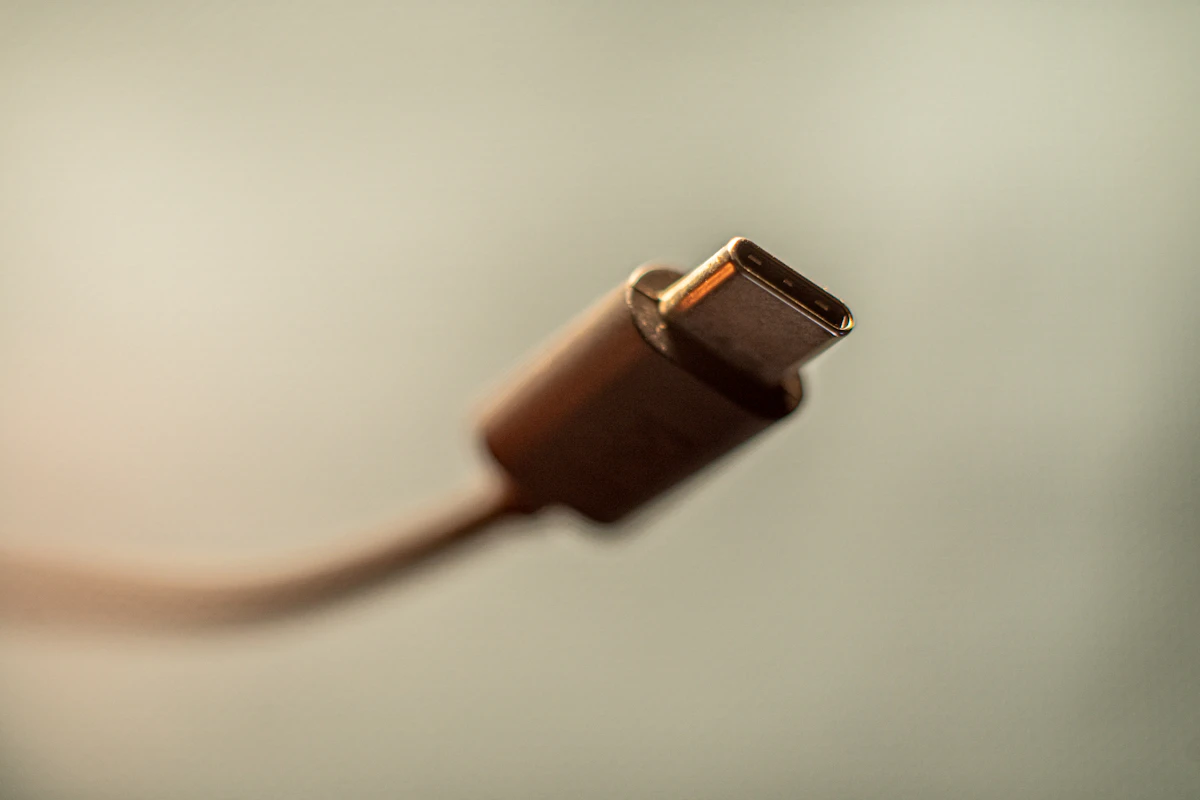
USB‑C is the only connector that can mean “slow charging,” “fast charging,” “video out,” “40Gbps data,” or “does literally nothing”—sometimes with cables that look identical.
If you’ve ever said:
- “Why is my laptop charging so slowly?”
- “Why won’t this dock drive my monitor?”
- “Why is my SSD fast on one port and slow on another?”
…you’ve met the USB‑C cable problem.
Here’s the practical fix: what to buy in 2026 for charging, data, and docks.
SolderMag Take: the cable is half the computer
People buy a good charger and a good dock, then connect them with a $6 cable from a random brand.
That cable silently caps:
- wattage
- data speed
- video capability
USB‑C isn’t unreliable. Cheap cables are unreliable.
Step 1: decide what you actually need
There are three common use cases.
A) Charging only (phones/tablets)
You mostly need:
- durability
- the right length
B) Laptop charging (100W–240W)
You need:
- the right wattage rating (100W or 240W)
- an e‑marked cable when you’re shopping in the 100W+ zone
C) Docking / external SSDs / displays
You need:
- a cable explicitly rated for USB4 / 40Gbps (or Thunderbolt if your setup requires it)
If you mix these up, you’ll buy the wrong thing and blame the laptop.
How to choose (fast checklist)
Before you hit “Buy”:
- What’s the job? Charging-only, laptop charging, or data/dock.
- Wattage printed clearly? If it’s for a laptop: 100W minimum; consider 240W for futureproofing.
- Speed printed clearly? If you care about SSD/dock: look for “USB4 40Gbps” (not “fast transfer”).
- Length sane? Longer is nicer, but it’s also more likely to be annoying, stiff, or flaky.
- Brand + warranty exists in real life? If the “brand” only exists as an Amazon storefront, be cautious.
Charging cables: 100W vs 240W
When 100W is enough
- most laptops that charge via USB‑C at 65W–100W
- travel setups
When 240W matters
240W doesn’t make your laptop charge “faster” unless it actually supports that profile.
It matters when:
- you want one cable that will still work for your next laptop
- you’re charging high-power devices
Buying advice: If you’re buying fresh in 2026 and you want a long-life cable, 240W-rated is the safe play.
Data cables: why “USB‑C” tells you nothing
Here’s the dirty secret: “USB‑C cable” doesn’t tell you speed.
A cable might be:
- USB 2.0 speeds (yes, still)
- USB 3.x speeds
- USB4
- Thunderbolt
The practical rule
If you care about external SSD speeds or docks:
- buy a cable explicitly rated for USB4 / 40Gbps (or Thunderbolt where required)
The picks (how to buy without naming 50 SKUs)
Because Amazon stock changes constantly, the smartest approach is to buy by category + spec from reputable brands.
Best “do everything” cable (most people)
- 240W + USB4/40Gbps rated cable from a known brand
Use for:
- laptop charging
- docks
- fast SSD enclosures
 Best overall
Belkin USB4 Cable 240W 20Gbps 2m
Best charging-only cable (cheap, durable)
- 100W-rated USB‑C to USB‑C cable, 1–2m
 Best for power users
Cable Matters 240W Thunderbolt 4 USB-C Cable
Best travel cable
- 240W rated, 1m
Shorter cables are less annoying in bags and often more reliable.
 Best high-speed data
UGREEN USB4 Gen4 80Gbps 240W USB-C Cable 1m
How to spot junk listings
Red flags:
- no clear wattage rating
- no data speed rating
- “Thunderbolt compatible” without certification details
- lots of marketing, few specs
- brand name that looks like a password
If the listing avoids numbers, it’s not proud of the product.
Troubleshooting cheatsheet
“My laptop charges slowly”
- try another cable
- check if you’re using a USB‑A to USB‑C cable (often caps power)
“My external SSD is slow”
- cable might be USB 2.0/3.0
- use USB4-rated cable
“Dock won’t output display”
- you may need USB4/TB cable
- some displays require specific alt-mode support
Decision checklist (buy in 30 seconds)
- Need laptop charging only? Buy a reputable 100W USB‑C cable (shorter is better).
- Need future-proof charging? Buy a 240W e‑marked cable.
- Need docks / fast SSDs? Buy a USB4 / 40Gbps cable (or Thunderbolt if required).
- Don't trust listings without explicit wattage + data speed.
Sources
- USB Implementers Forum (USB‑IF) — USB Power Delivery (background + specs hub): https://www.usb.org/usb-charger-pd
- USB‑IF — certified product database (useful for sanity-checking names): https://www.usb.org/products
- Intel Thunderbolt certification info (what “certified” is supposed to mean): https://www.intel.com/content/www/us/en/architecture-and-technology/thunderbolt/thunderbolt-technology-general.html
- Independent cable testing (look for sustained power + real throughput, not just a plug-in screenshot):
- ChargerLAB (cables/chargers test coverage): https://www.chargerlab.com/
- AllThingsOnePlace (USB‑C cable testing videos + breakdowns): https://www.youtube.com/@AllThingsOnePlace
Next in the Amazon cluster: Best Wi‑Fi 7 routers (2026).