Best 100W USB‑C GaN Chargers (2026): Picks That Don’t Lie About Power
A 100W charger should be boring. It isn’t. Here are the 2026 picks worth buying, plus a simple way to avoid the spec-sheet scams.
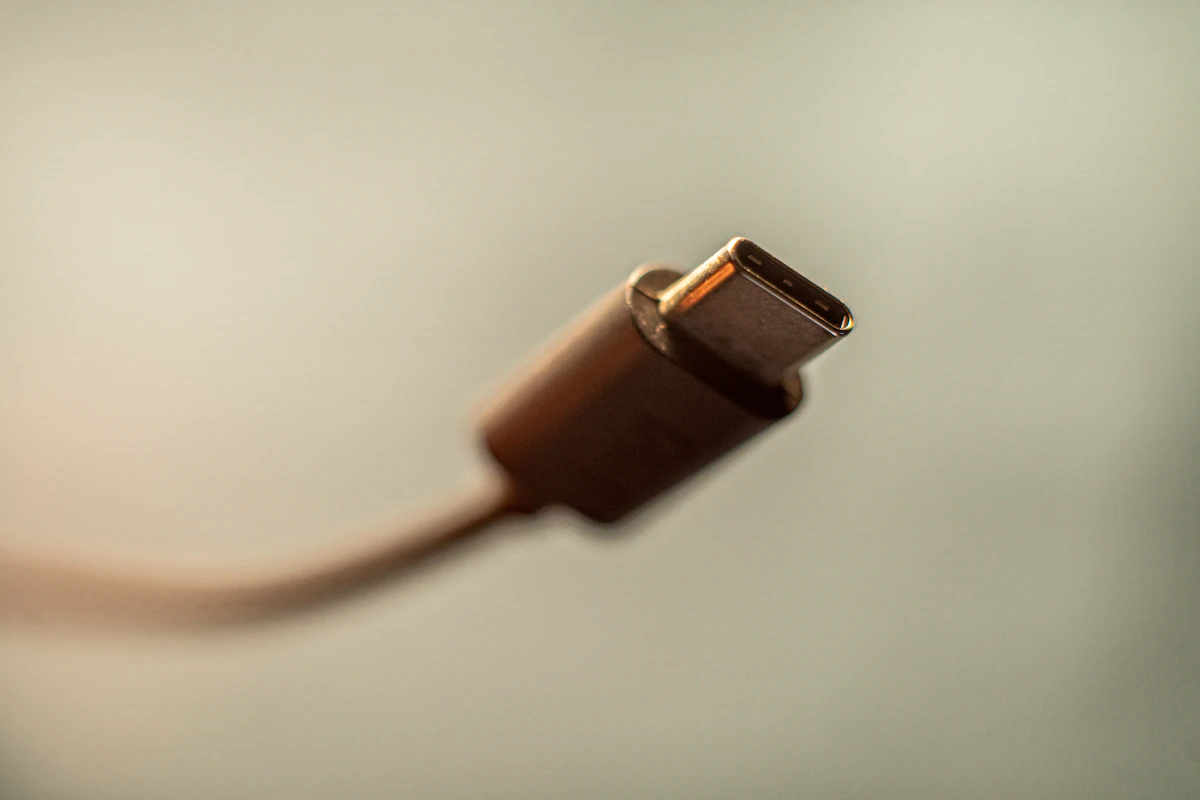
A 100W USB‑C charger should be a solved problem.
Instead, the market is full of:
- “100W” bricks that only hit 100W in one-port fantasy mode
- chargers that run hot and downshift under load
- power-sharing that turns into roulette the moment you plug in a phone
This guide is for buying a charger that actually works for modern laptops (MacBook/Windows/Steam Deck) and doesn’t become a desk ornament in six months.
SolderMag Take: you’re not buying speed—you’re buying stability
If your charger can’t sustain power without cooking itself, it’s not a charger, it’s a heat generator.
For most people, the best 100W charger is not the smallest one. It’s the one that stays cool, keeps output consistent, and doesn’t do weird power juggling.
What “100W” really means (in plain English)
Single-port vs multi-port output
A charger can be “100W” in at least three different ways:
- One USB‑C port can do 100W, but only when it’s the only device plugged in.
- Total output is 100W shared, meaning your laptop gets 65W and everything else scraps.
- Two USB‑C ports can each do 100W (rare; typically expensive and physically larger).
If the listing doesn’t show a power allocation table, assume it’s hiding a compromise.
The cable can quietly cap you
If you plug a 100W charger into a random USB‑C cable, your laptop may still charge at 60W.
Later we’ll do a dedicated cable guide, but the rule is:
- for laptop charging, use a reputable USB‑C cable rated for high wattage (ideally with e‑marker).
The picks (2026)
I’m not going to pretend there’s a single “best” charger for everyone. Pick based on your real life.
Best overall (most people)
A reputable 100W 3‑port GaN charger
Why:
- one brick for laptop + phone + earbuds
- good balance of size vs heat
What to look for:
- at least 2× USB‑C + 1× USB‑A
- published power sharing table
- known brand with warranty/support
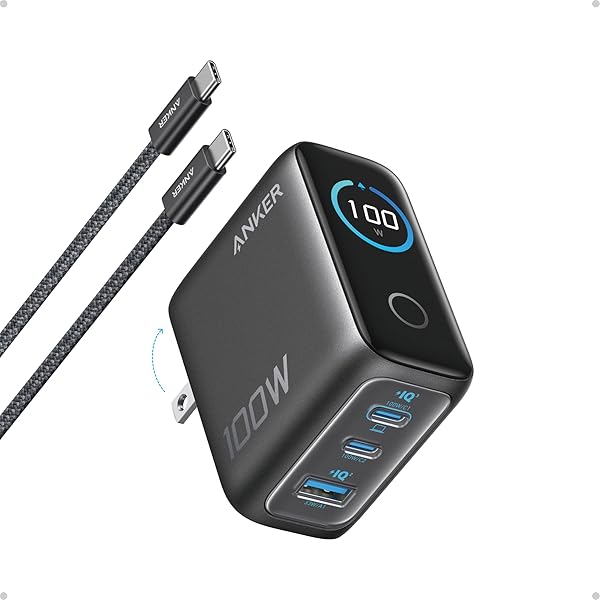 Best overall
Anker Prime 100W GaN Charger (3 Ports)
Best travel pick (small but not silly)
Compact 100W dual‑USB‑C charger
Why:
- fewer ports = simpler thermal design
- less power juggling
 Best value
UGREEN Nexode 100W GaN Charger (4 Ports)
Best for “I hate surprises”
Single‑port 100W USB‑C charger
Why:
- simplest design
- most reliable full output
This is the boring winner if you primarily charge one laptop.
 Best for travel
Satechi 100W USB-C PD Compact GaN Charger
Best desk setup (if you charge multiple things daily)
If you’re charging a laptop plus multiple devices every day, consider jumping to a higher total wattage multi-port unit (200W class). It’s not about peak speed—it’s about not running at the edge of thermal limits.
Best budgetAnker 317 Charger (100W)
How to choose (fast checklist)
Before you buy:
- Does it explicitly support USB‑PD for laptops?
- Is there a power allocation table?
- Does the brand have real support/warranty?
- Do you need travel plug folding prongs?
- Do you need 2× USB‑C, or is 1× enough?
If the product page is vague on #2 and #3, skip it.
Common failure modes (and how to spot them)
“It’s 100W but my laptop charges slowly”
Usually:
- wrong cable
- charger only does 100W on one specific port
- charger drops output when other ports are used
“It gets hot”
Warm is normal. Hot enough that you avoid touching it is a red flag.
“It randomly disconnects”
That’s often protection circuitry tripping (or cheap internals). Return it.
Sources
- USB‑IF documentation on USB Power Delivery (PD)
- Independent reviewers who test sustained output and thermals (not just peak numbers)
Next in this cluster: “Best 200W+ multi‑port chargers (desk setups)”.