USB‑C Chargers Worth Buying in 2026 (and How to Stop Getting Scammed by Specs)
USB‑C charging is ‘standard’ now—but the market is full of misleading wattage claims and sketchy safety. Here’s what to buy, what to avoid, and how to choose.
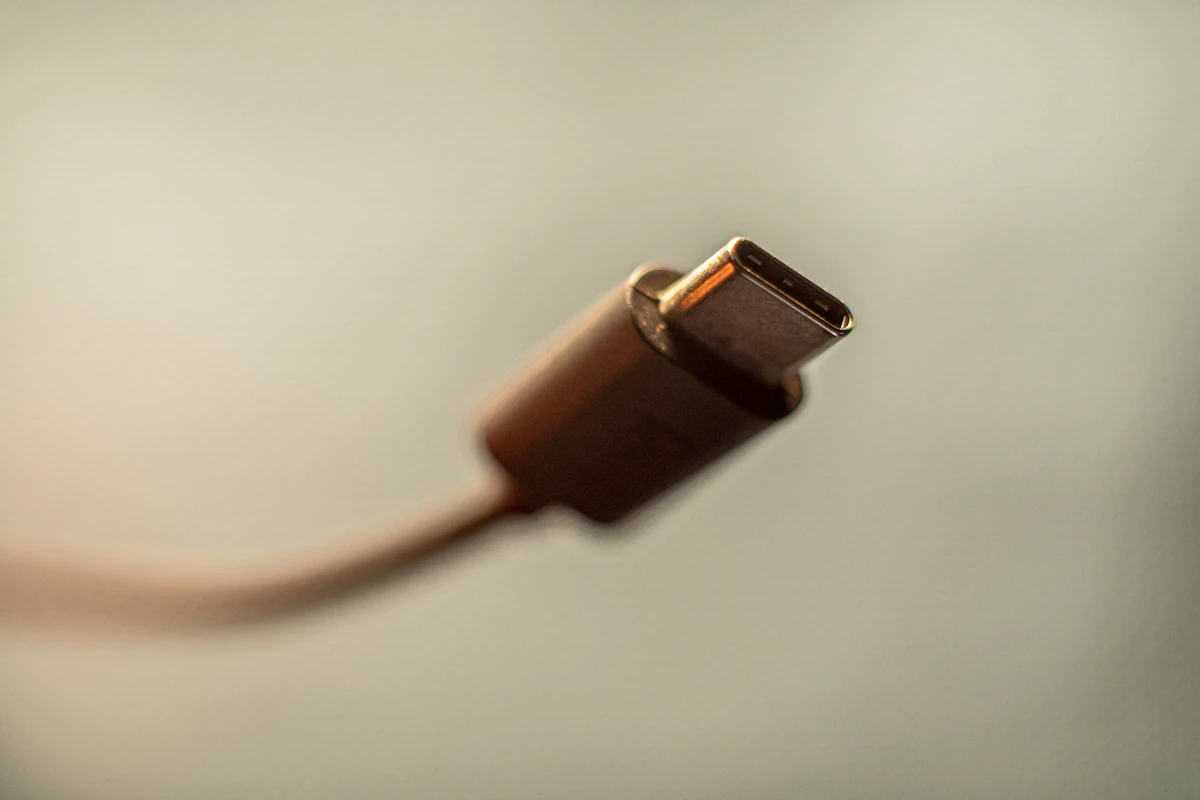
USB‑C chargers should be boring by now.
Instead, 2026 is peak chaos: “200W” bricks that can’t sustain their rating, ports that downshift randomly, mystery GaN brands that vanish in six months, and cables that quietly throttle your laptop.
This guide is how to buy a charger you can trust—without turning into a USB‑IF hobbyist.
SolderMag Take (the part nobody tells you)
The charger market is not primarily a performance market. It’s a safety market.
A charger that’s slightly slower but properly designed is better than a “fast” charger that runs hot, trips protection, or cooks itself over time.
If you only remember one rule:
Buy from brands that publish real specs and have a reputation for not burning houses down.
What actually matters (ignore the marketing)
1) Total wattage vs per‑port wattage
A “200W” charger doesn’t mean each port can do 200W.
What you want to see is:
- max wattage per port
- how power is shared when multiple devices are connected
If the product page doesn’t show a power sharing table, assume it’s hiding something.
2) USB‑PD versions and profiles
For laptops, you want USB Power Delivery (PD). For many devices, the key is whether it supports higher PD profiles.
Practical advice:
- phones/tablets: most good chargers are fine
- laptops: make sure it can supply your laptop’s expected wattage (often 65W/100W/140W class)
3) Heat management
Heat kills chargers.
- Smaller bricks run hotter.
- Multiple ports at high wattage run hotter.
If you’re charging a laptop + phone + tablet daily, buy slightly bigger than you think you need.
4) The cable is half the system
A great charger with a bad cable = slow charging.
Look for:
- e‑marked cables for higher wattage
- reputable cable brands
- realistic length (long cables often drop voltage)
Recommended chargers (shortlist)
I’m focusing on reliable, widely available options. These aren’t necessarily the cheapest—they’re the ones I’d actually buy.
Best overall multi‑device (desk)
- 200W class GaN multi‑port from a reputable brand
Why: charges laptop + phone + accessories without thinking.
Best travel charger
- 100W class compact GaN
Why: one brick for laptop + phone, minimal bulk.
Best single‑device laptop charger
- 65W or 100W single‑port PD
Why: fewer ports = simpler thermal design, fewer weird power sharing surprises.
Common pitfalls
“It says 140W, but my laptop charges slowly”
Possible causes:
- your cable isn’t rated for it
- the charger only does 140W on one specific port
- your laptop negotiates a different PD profile
“It gets hot”
Normal to a point. Concerning if:
- you can’t comfortably touch it
- it smells like hot plastic
- it throttles repeatedly
“It randomly disconnects”
Often cheap internal design or aggressive protection. Return it.
Buying checklist (fast)
Before you buy:
- Does the brand have a real support site and warranty?
- Does the listing show a per‑port power table?
- Does it support USB‑PD properly?
- Do you have the right cable?
- Are the ports positioned so cables don’t fight each other?
If you want just one recommendation
Buy a reputable 100W‑class GaN charger for travel and a higher‑watt multi‑port charger for your desk. Don’t try to make one tiny brick do everything forever.
Sources
- USB‑IF USB Power Delivery overview
- Reputable teardown reviewers who test thermals and sustained output
Next up: “USB‑C cables: the quiet reason your ‘fast charging’ isn’t fast.”